Clarification regarding ASIO4ALL Authorship

The recent sad news is that Carlos Mateo (“Texvo”) died on August 4, 2008. For his outstanding contribution to the music community, he will be missed by many.  The news came along with a note that suggested his involvement in the conception and/or development of ASIO4ALL. Consequently, people have started sending condolences.

This puts me in the difficult situation of having to clarify that Carlos was at no point in time involved in either the conception or the development of ASIO4ALL. What is true, however, is the great amount of time and dedication he spent helping other people with their audio hardware and software issues – including issues surrounding ASIO4ALL, at times. He surely will be missed!  

Posted

in

by

Tags:

Comments

Leave a Reply

Your email address will not be published. Required fields are marked *

This site uses Akismet to reduce spam. Learn how your comment data is processed.

Copyright © Michael Tippach

Imprint | Privacy

Powered by WordPress

ASIO is a trademark of Steinberg Media Technologies GmbH.  All other trademarks are the property of their respective owners, used for product identification purposes only.

  • ASIO Buffer Size

    ASIO Buffer Size

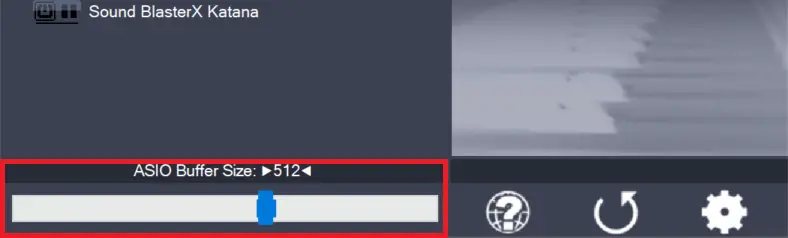
    Use the slider to adjust the ASIO buffer size for the device currently highlighted. Smaller buffer size means lower latency. Once you hear crackles or audio becomes distorted, you need to increase the buffer size. ASIO buffer size directly relates to audio latency. Thus, you want to get a rather small value here. You may

    more

  • Load default settings

    Load default settings

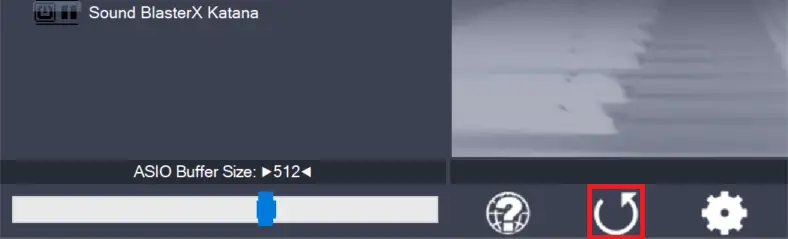
    Pressing this button will reset all configuration options to their initial defaults. Use when audio initially worked and you later got lost in the configuration process. Also, if you updated your ASIO4ALL to a new version, this option will load the settings recommended by the new version.

    more

  • Switch to advanced mode

    Switch to advanced mode

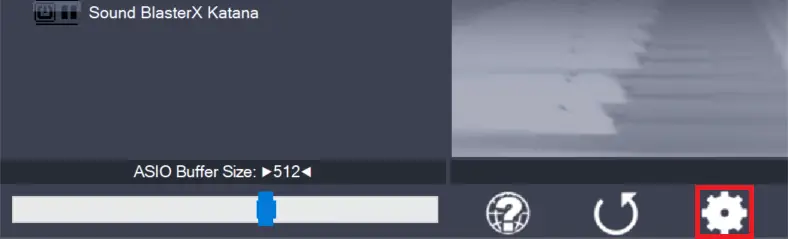
    Switches the control panel into “advanced” mode, where you can fix things or completely mess them up at your discretion. “Advanced” mode is explained in the “Advanced Configuration” section of this document.

    more