
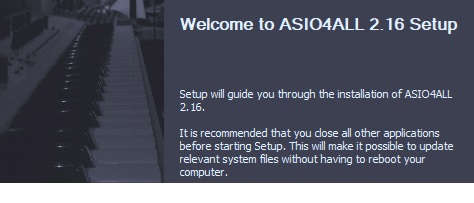
- This version officially supports Windows 10 and Windows 11.
- Also confirmed to work with Windows 7 and Windows 8, with some minor GUI visual artefacts, though.
- Report bugs to feedback@asio4all.com!
Changes since version 2.15:
- “Off-Line Settings” brought back, due to popular demand.
- Now only one single installer, combining all languages supported.
- Fixed regression that would sometimes constrain bit depth to 16 bits only.
- Workaround for Intel SST USB wrapper.
- Workaround for on-board audio on Gemini Lake Refresh (and possibly others as well).
- Fixed: Sample rate would appear “stuck” at low setting (e.g. 8kHz) after switching back and forth between audio devices inside the ASIO4ALL GUI.
- .
Comments
41 responses to “Version 2.16 released!”
Hello, please, can you help me finding (for download) the Instruction Manual in PDF format?
I remember that in 2022 I have found it… but today I cannot find it anymore.
Thanks and regards, Andrea
why is it so diffcult to download this app. i need this
I finally found the actual download link to version 2.16 while avoiding all the dozen pop up ads fraudulently claiming to be the download link.
Look for the Orange six inch thin banner that changes to black when hovering over with mouse cursor which states “Asio4All 2.16 Downloads”
or the one with a small orange banner and yellow folder with “Asio4All 2.16-Multi Language”
Click on it and it will download as “ASIO4ALL_2_16.EXE” at 382KB in size.
Click below if you are still having trouble finding the right page. There are two other beta versions of 2.17 available but some people have reported bugs so as of this comment on February 22, 2026, this is the latest final stable version.
https://asio4all.org/version-2-16-released/
Lo instale pero me lleva a esta pagina web, osea no se abre ninguna aplicaicon ni nada