Version 2.13 released!

  • Combined 32/64 bit version, supports Win 98SE/ME/2k/XP/MCE/2003/XP64 and Vista/Windows 7/Windows 8.x/Windows 10 x86/x64
  • Minor update. Now Windows 10 is officially supported, even though it has been working all along.

Changes since version 2.12:

  • Workaround for a bug in the Windows 8/8.1 Bluetooth audio driver (causing BSOD when device is opened twice). This bug seems to have been fixed in Windows 10.
  • Improvement: UI response time and driver (re-) start time should be a lot snappier now.
  • Fix: Some Application Verifier errors should be gone.
Posted

in

,

by

Tags:

Comments

One response to “Version 2.13 released!”

  1. The Somber Kiosk Avatar
    The Somber Kiosk

    Hello, and thank you for your generosity in the form of this applet/driver-ware to improve connectivity between Ableton 10 Live! and other various and assorted audio devices, in my case, said audio device is a Behringer U-Phoria UM2, 2 Channel Audio Interface.

    This is not my first attempt to this marriage of devices. I have had very limited success, but after reading many other’s comments I am trying this not-so-extraordinary union once again.

    I don’t understand why the desired result of running an external instrument into my Windows Laptop isn’t automatic? At times I think I can hear sound leaking through.

    Please post here if help is available or PM me on SoundCloud, I am the musical project known as “The Somber Kiosk”. Thank you.

Leave a Reply

Your email address will not be published. Required fields are marked *

This site uses Akismet to reduce spam. Learn how your comment data is processed.

Copyright © Michael Tippach

Imprint | Privacy

Powered by WordPress

ASIO is a trademark of Steinberg Media Technologies GmbH.  All other trademarks are the property of their respective owners, used for product identification purposes only.

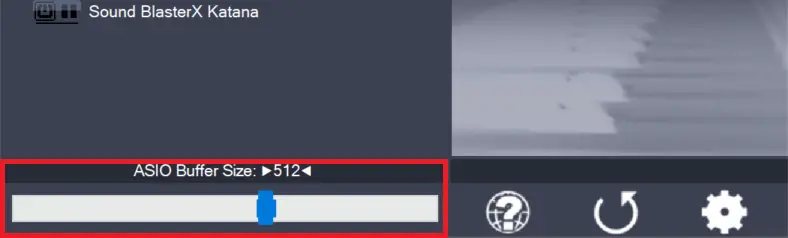
  • ASIO Buffer Size

    ASIO Buffer Size

    Use the slider to adjust the ASIO buffer size for the device currently highlighted. Smaller buffer size means lower latency. Once you hear crackles or audio becomes distorted, you need to increase the buffer size. ASIO buffer size directly relates to audio latency. Thus, you want to get a rather small value here. You may

    more

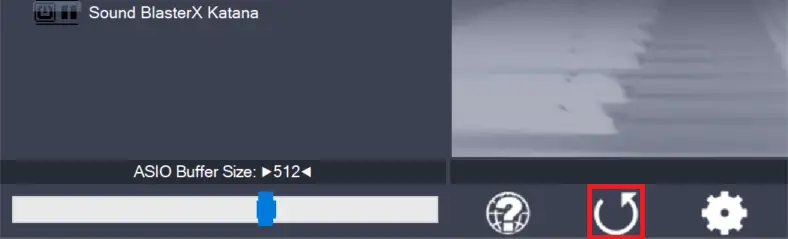
  • Load default settings

    Load default settings

    Pressing this button will reset all configuration options to their initial defaults. Use when audio initially worked and you later got lost in the configuration process. Also, if you updated your ASIO4ALL to a new version, this option will load the settings recommended by the new version.

    more

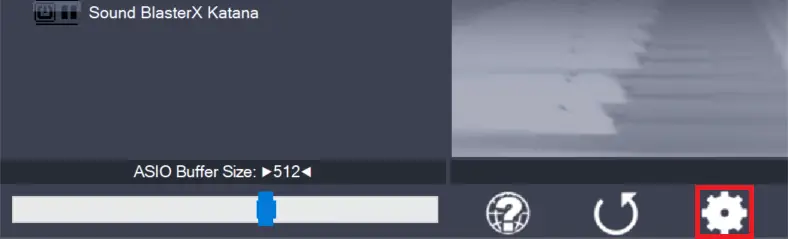
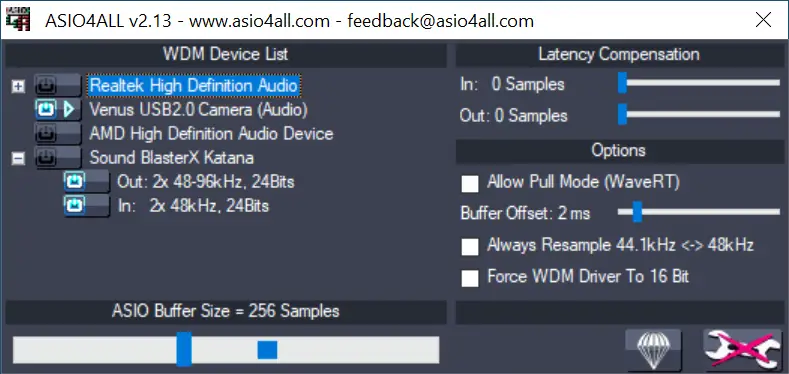
  • Switch to advanced mode

    Switch to advanced mode

    Switches the control panel into “advanced” mode, where you can fix things or completely mess them up at your discretion. “Advanced” mode is explained in the “Advanced Configuration” section of this document.

    more