ASIO4ALL Official Home

ASIO4ALL Official Home

Universal Windows ASIO Driver

  • Home
  • Overview
    • Version History
    • Download
    • Developer Resources
  • Help
    • FAQFrequently Asked Questions
    • Instruction manual

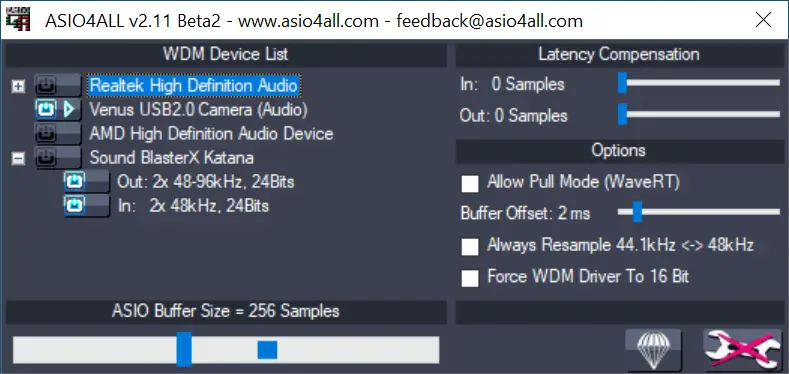
Version 2.11 Beta 2

  • 2.11 Release Candidate

Changes since version 2.11 Beta 1:

  • Make an effort to take back control over blocked (“unavailable”) audio devices.
  • Fix minor resource leak.
  • Fix regression in 2.11 Beta 1: Function of the “Always Resample” checkbox was inverted.
  • Remove excess outputlatency under the followingconditions: (1)64 bit host (2)upsampling 44.1 -> 48kHz (3)WaveRT polling mode.
  • Fix output audio glitches in 64 bit version when upsampling by integral factor.
  • Fix a4apanel64 crash on exit (not that anyone would have noticed).
ASIO4ALL 2.11 (Beta 2) Downloads ⮱

Posted

June 7, 2013

in

Newsroll, Version History

by

Michael Tippach

Tags:

Comments

Leave a Reply Cancel reply

Your email address will not be published. Required fields are marked *

This site uses Akismet to reduce spam. Learn how your comment data is processed.

Copyright © Michael Tippach

Imprint | Privacy

Powered by WordPress

ASIO is a trademark of Steinberg Media Technologies GmbH.  All other trademarks are the property of their respective owners, used for product identification purposes only.

  • Introduction

    Introduction

    Welcome to ASIO4ALL! This manual enables you to make the most of your ASIO4ALL installation, especially when it comes to the advanced features newly introduced in this Version of ASIO4ALL. In order to achieve the best possible results with ASIO4ALL it is recommended that your computer is configured accordingly. For updates, help and further information,

    more

  • Getting Started

    Getting Started

    Setting up your audio software In order to make use of ASIO4ALL, you need to configure your audio software accordingly. How you would do this depends on your particular software application. Generally, you would always enter the audio configuration menu and select ASIO -> ASIO4ALL v2. There now should be a button to launch the

    more

  • WDM Device List

    WDM Device List

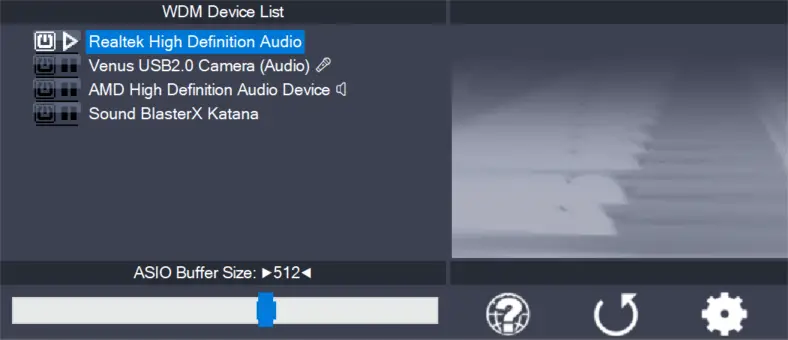
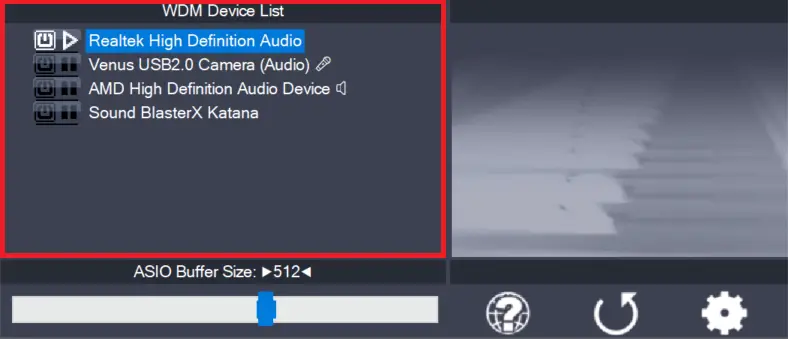
    This is the list of audio devices found in your system. Highlight the device that you want to make changes to. Note: All parameter changes always only apply to the device currently highlighted! Activate the device you want to use by clicking on the button next to the device name! In the picture above, the

    more

1 2 3 … 7
Next Page