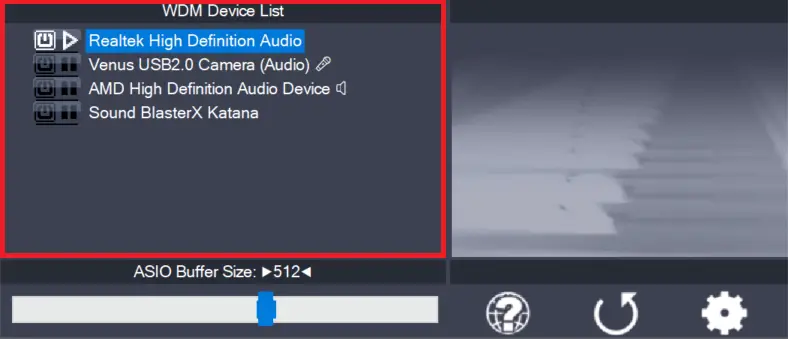
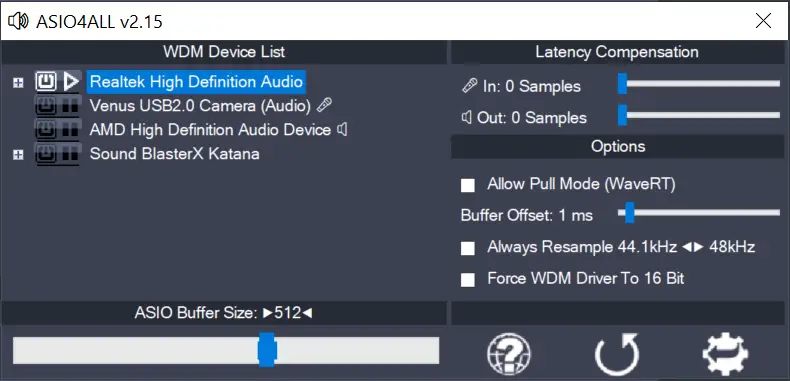
Finally – Version 2.15 (final!)

  • This version officially supports Windows 10 and Windows 11.
  • Also confirmed to work with Windows 7 and Windows 8, with some minor GUI visual artefacts, though.
  • Report bugs to feedback@asio4all.com!

Changes since version 2.15 (Beta 3):

  • Workaround for Oculus VAD.
  • Fix crash with Blackmagic Design DeckLink driver.
  • Avoid using “Stereo Mix” input in default configuration.
  • Fix erratic behaviour of “Force 16 bit” – option, especially when WDM driver does not support a 16 bit sample data format.
Posted

in

,

by

Tags:

Comments

57 responses to “Finally – Version 2.15 (final!)”

  1. Michael Brito Avatar
    Michael Brito

    No Asio Driver, only a driver updater??? Hawk tui!!!

  2. stressed Avatar
    stressed

    Can anyone help? just downloaded asio4all for Ableton live 12 on my laptop and I’ve managed to get the latency down but the sound is stuck to only my laptop. Will get no sound through my headphones that’s plugged into the audio jack. I also can’t adjust the volume level that manages to come out of the laptop. Is this normal?

  3. I can only download ASIO4ALL web site which will open asio4all.org
    Why does this happen and how can I download ASIO?

    Thank you

    1. Tribilin Avatar
      Tribilin

      Pudiste solucionar el problema?

      1. Saskia Avatar
        Saskia

        Tengo el mismo problema al intentar instalar, alguien sabe ¿dónde puedo arreglar esto?

Copyright © Michael Tippach

Imprint | Privacy

Powered by WordPress

ASIO is a trademark of Steinberg Media Technologies GmbH.  All other trademarks are the property of their respective owners, used for product identification purposes only.

  • Introduction

    Introduction

    Welcome to ASIO4ALL! This manual enables you to make the most of your ASIO4ALL installation, especially when it comes to the advanced features newly introduced in this Version of ASIO4ALL. In order to achieve the best possible results with ASIO4ALL it is recommended that your computer is configured accordingly. For updates, help and further information,…

    more

  • Getting Started

    Getting Started

    Setting up your audio software In order to make use of ASIO4ALL, you need to configure your audio software accordingly. How you would do this depends on your particular software application. Generally, you would always enter the audio configuration menu and select ASIO -> ASIO4ALL v2. There now should be a button to launch the…

    more

  • WDM Device List

    WDM Device List

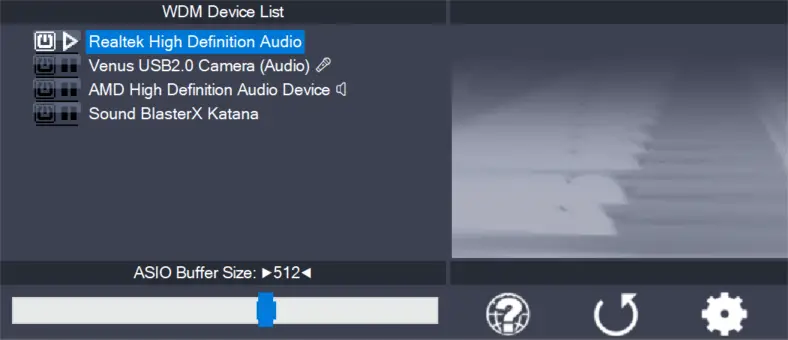
    This is the list of audio devices found in your system. Highlight the device that you want to make changes to. Note: All parameter changes always only apply to the device currently highlighted! Activate the device you want to use by clicking on the button next to the device name! In the picture above, the…

    more