
The only surprise being that it took that long…
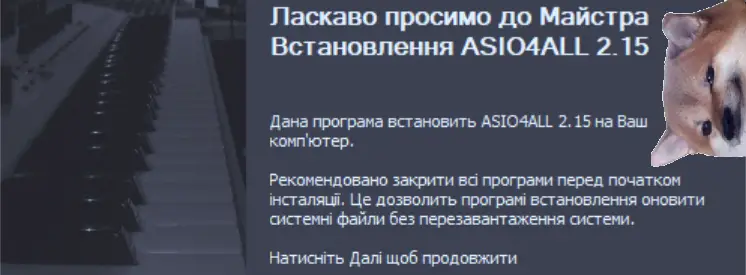
 ASIO4ALL 2.15 – Ukrainian
The only surprise being that it took that long…
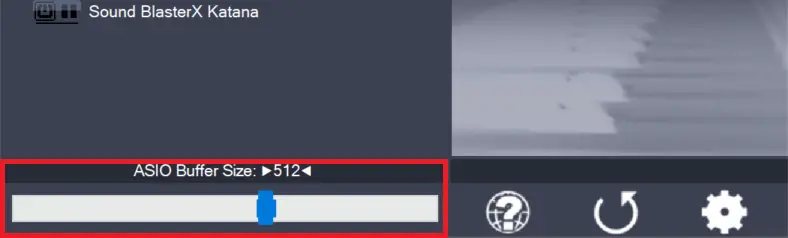
Use the slider to adjust the ASIO buffer size for the device currently highlighted. Smaller buffer size means lower latency. Once you hear crackles or audio becomes distorted, you need to increase the buffer size. ASIO buffer size directly relates to audio latency. Thus, you want to get a rather small value here. You may…
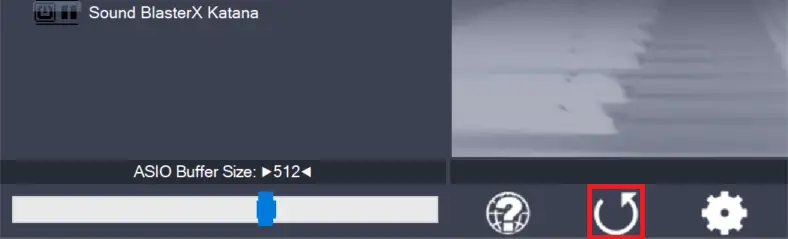
Pressing this button will reset all configuration options to their initial defaults. Use when audio initially worked and you later got lost in the configuration process. Also, if you updated your ASIO4ALL to a new version, this option will load the settings recommended by the new version.
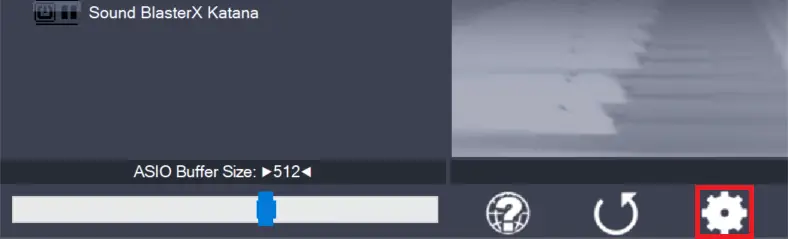
Switches the control panel into “advanced” mode, where you can fix things or completely mess them up at your discretion. “Advanced” mode is explained in the “Advanced Configuration” section of this document.
Comments
16 responses to “ ASIO4ALL 2.15 – Ukrainian”
I had an earlier version of ASIO4ALL installed and upgraded to the latest version. Shortly thereafter my computer wouldn’t boot correctly and now I’m wondering what has happened. Cubase wouldn’t fully load after I stopped and restarted it. It got stuck on the start-up screen. So I tried to reboot and now I can’t get past the American Megatrends logo. It still sees my hard drives, but now I’m toast. Any idea how to recover from this?