a4ainfo.exe

  • Download the .exe
  • Open a command prompt and run “a4ainfo.exe” (ideally from where you downloaded it or some other directory location actually containing the .exe)
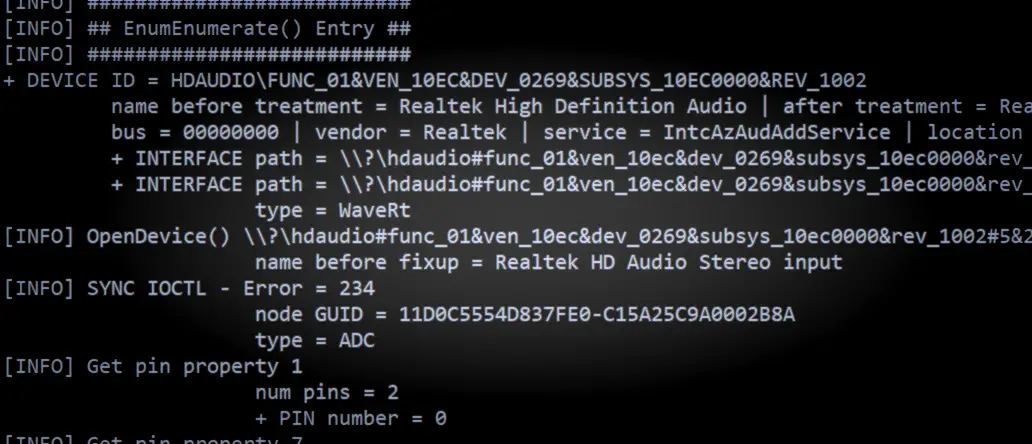
  • A plain text file “a4ainfo.dbg” will be generated – send this to feedback@asio4all.com – along with a detailed error description!

The A4A Info device enumeration utility has been updated somewhat. Usage is as always:

Download “a4ainfo.exe”

Important!

This is not a new version of the ASIO4ALL driver! This does not install anything. The only thing it does ist create a plain text file containing information about your audio devices. There also is very little utility in sending me just the file without some sort of a useful error description!

E.g. What exactly does not work, what do you see in the

Posted

in

, ,

by

Tags:

Comments

One response to “a4ainfo.exe”

  1. Please note that the a4ainfo.exe utility is no longer supported.
    This post is only kept for archiving purposes.

    Link to current debug build: /debug-build-with-trace-output/

Leave a Reply

Your email address will not be published. Required fields are marked *

This site uses Akismet to reduce spam. Learn how your comment data is processed.

Copyright © Michael Tippach

Imprint | Privacy

Powered by WordPress

ASIO is a trademark of Steinberg Media Technologies GmbH.  All other trademarks are the property of their respective owners, used for product identification purposes only.

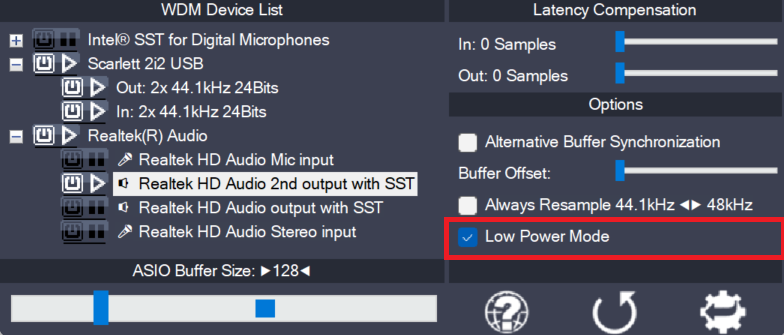
  • Low Power Mode

    Low Power Mode

    This is a global option – for the current audio host application – telling the ASIO4ALL main audio thread how to spend its idle time, i.e. the time when not calling the DAW audio processing handler. The default for this option is “enabled”, potentially lowering CPU utilization in idle mode. Depending on the current ASIO4ALL

    more

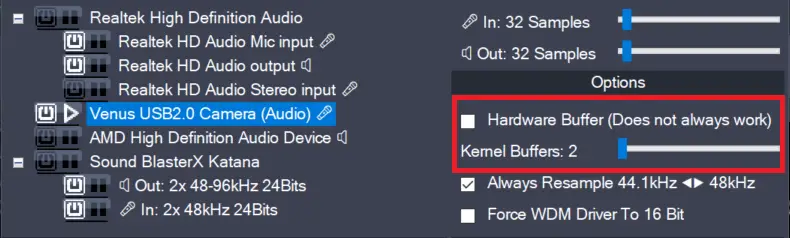
  • Hardware Buffer on/off (Obsolete)

    Hardware Buffer on/off (Obsolete)

    This feature has been removed in version 2.17!The only purpose it did serve – more than 20 years after its introduction – was to confuse users needlessly. Enables the hardware buffer for the highlighted device. This only works for so called “WavePCI” miniports, as other types of WDM drivers do not usually allow direct access

    more

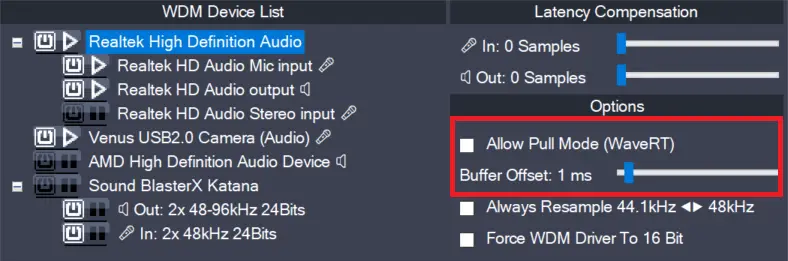
  • Allow Pull Mode (WaveRT) (obsolete)

    Allow Pull Mode (WaveRT) (obsolete)

    In version 2.17, this feature has been replaced by the “Alternative Buffer Synchronization” – option! There are two basic access methods for a WaveRT device, “pull-mode” (also called “event-mode”) and “push-mode” (also called “polling mode”). If this box is left unchecked, ASIO4ALL will not use “pull-mode”, otherwise it will use it whenever possible. The default

    more