A personal note

For us personally, all is relatively sort of normal, here in Caracas, Venezuela.

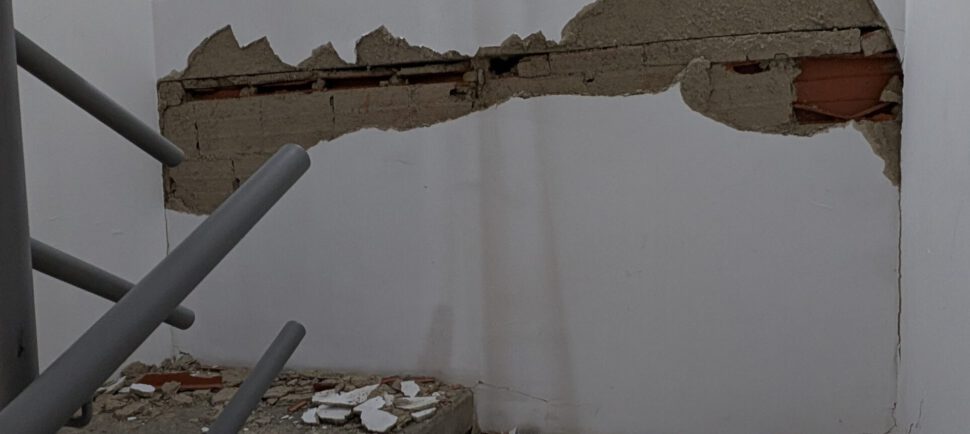
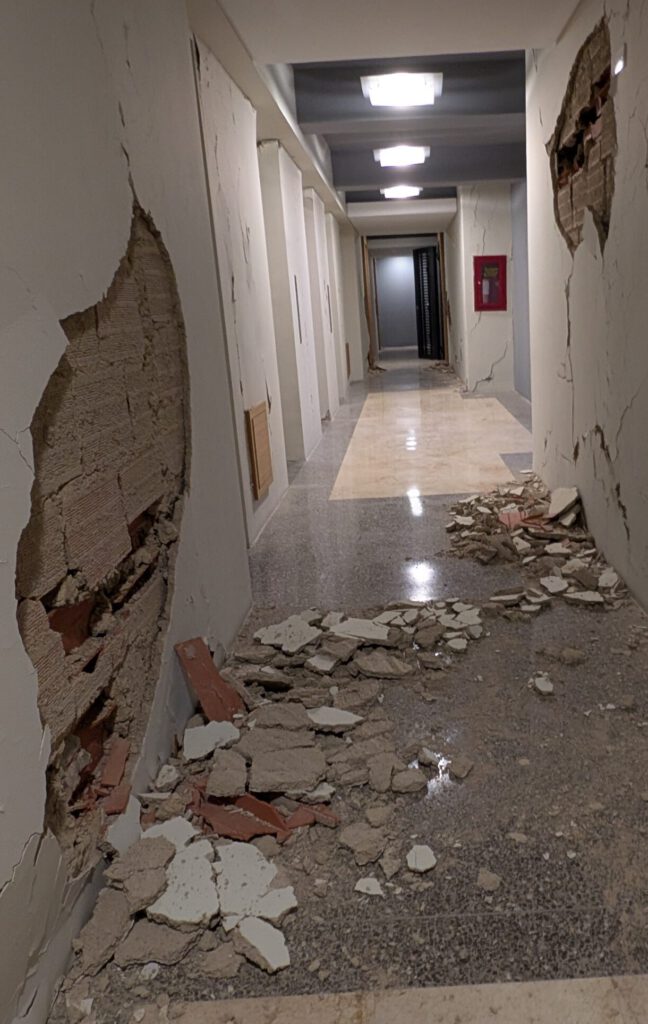
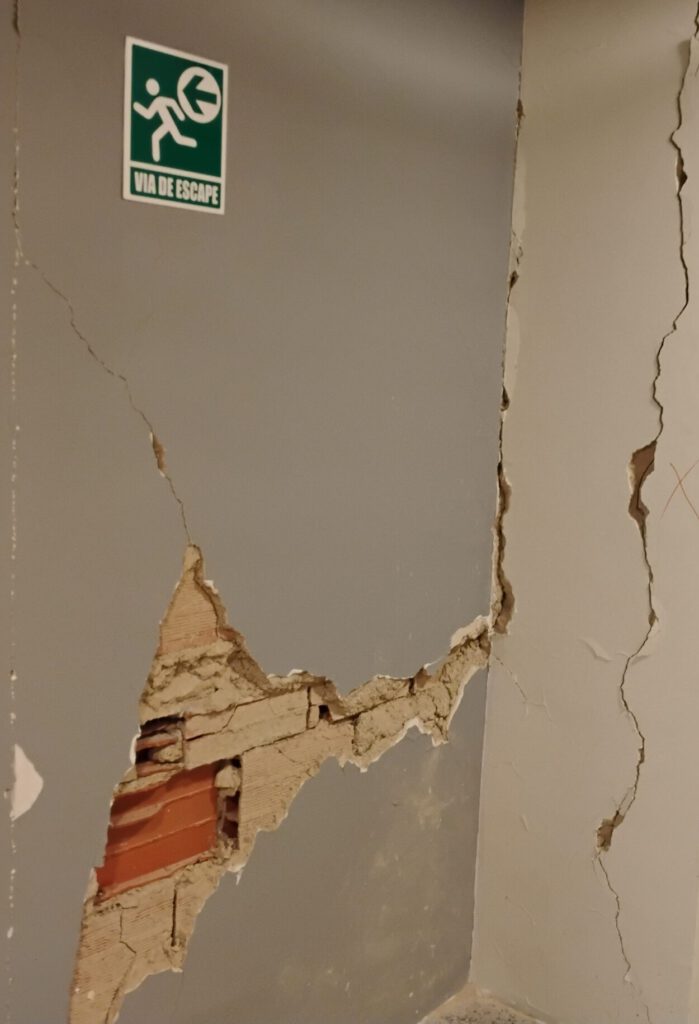
Two weeks ago, our apartment building took a decent beating, but – after all – remains structurally intact (one would hope…)
It is not that I, myself, would need any support. This Web site uses ads (in case you did not notice), which are paying the bills. Thank you!

Situation being much different for many locals, though. My girl friend from Germany is working at the German International Humboldt School here in Caracas – this being the reason for yours truly staying here, as well.

In order to help the local Venezuelan staff affected, another German colleague there set up a gofundme, addressing this particular concern.

Page currently is only in German and Spanish: https://www.gofundme.com/f/pgzhm8-unterstutzung-von-erdbebenopfern-in-caracas-venezuela.

Thank you for your attention!


Posted

in

by

Tags:

Comments

Leave a Reply

Your email address will not be published. Required fields are marked *

This site uses Akismet to reduce spam. Learn how your comment data is processed.

Copyright © Michael Tippach

Imprint | Privacy

Powered by WordPress

ASIO is a trademark of Steinberg Media Technologies GmbH.  All other trademarks are the property of their respective owners, used for product identification purposes only.

  • Introduction

    Introduction

    Welcome to ASIO4ALL! This manual enables you to make the most of your ASIO4ALL installation, especially when it comes to the advanced features newly introduced in this Version of ASIO4ALL. In order to achieve the best possible results with ASIO4ALL it is recommended that your computer is configured accordingly. For updates, help and further information,…

    more

  • Getting Started

    Getting Started

    Setting up your audio software In order to make use of ASIO4ALL, you need to configure your audio software accordingly. How you would do this depends on your particular software application. Generally, you would always enter the audio configuration menu and select ASIO -> ASIO4ALL v2. There now should be a button to launch the…

    more

  • WDM Device List

    WDM Device List

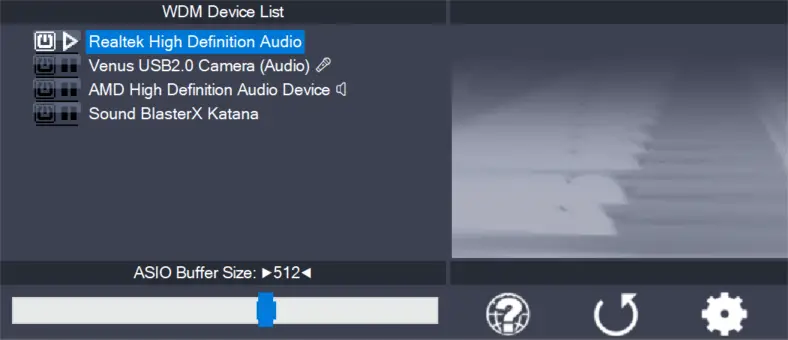
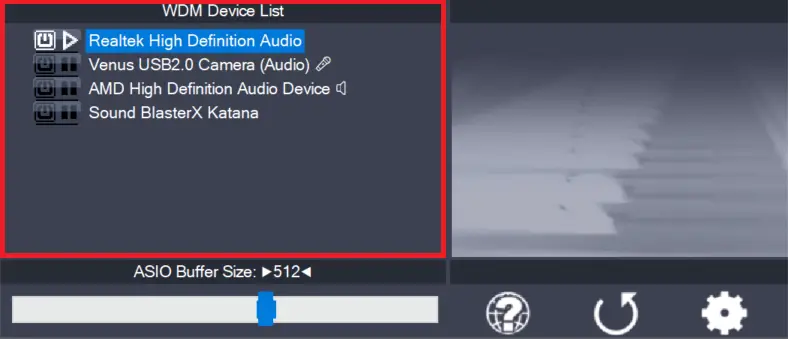
    This is the list of audio devices found in your system. Highlight the device that you want to make changes to. Note: All parameter changes always only apply to the device currently highlighted! Activate the device you want to use by clicking on the button next to the device name! In the picture above, the…

    more