Version 2.9 (Beta 1)

Changes since version 2.8:

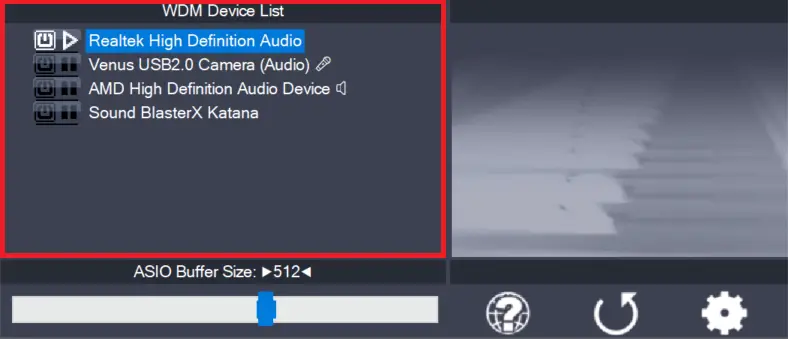
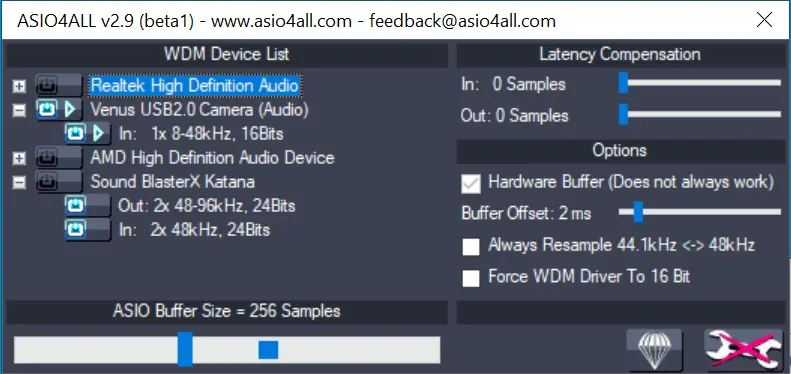
  • The GUI changed somewhat, but almost everything will be just about where it used to be. You’ll find your way ’round! W is gone since soon he will be indeed.
  • Add system tray access to control panel and status indicator.
  • Control panel now remembers its screen position.
  • Workaround for IDT HD Audio driver registering WaveRT interface under XP.
  • Un-blacklisted STHDA for sample rates above 48kHz. Out on probation now.
  • Workaround for WaveRT event mode seemingly still broken in WOW64, even after Vista 64 SP1.
  • Improve WaveRT performance in Vista.
  • Add host application interface, giving developers the option to control ASIO4ALL configuration from inside their application.
  • And, once again: More minor improvements, most of which mainly serve to increase fault tolerance, others may change the world as we know it, but, alas, over time I had forgotten which ones and in what way exactly.
Posted

in

,

by

Tags:

Comments

Leave a Reply

Your email address will not be published. Required fields are marked *

This site uses Akismet to reduce spam. Learn how your comment data is processed.

Copyright © Michael Tippach

Imprint | Privacy

Powered by WordPress

ASIO is a trademark of Steinberg Media Technologies GmbH.  All other trademarks are the property of their respective owners, used for product identification purposes only.

  • Introduction

    Introduction

    Welcome to ASIO4ALL! This manual enables you to make the most of your ASIO4ALL installation, especially when it comes to the advanced features newly introduced in this Version of ASIO4ALL. In order to achieve the best possible results with ASIO4ALL it is recommended that your computer is configured accordingly. For updates, help and further information,

    more

  • Getting Started

    Getting Started

    Setting up your audio software In order to make use of ASIO4ALL, you need to configure your audio software accordingly. How you would do this depends on your particular software application. Generally, you would always enter the audio configuration menu and select ASIO -> ASIO4ALL v2. There now should be a button to launch the

    more

  • WDM Device List

    WDM Device List

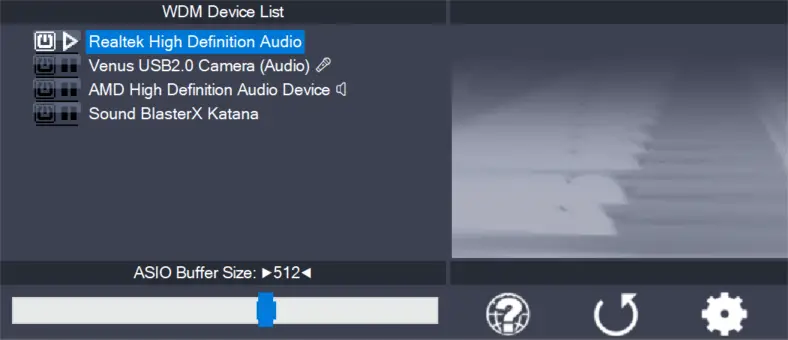
    This is the list of audio devices found in your system. Highlight the device that you want to make changes to. Note: All parameter changes always only apply to the device currently highlighted! Activate the device you want to use by clicking on the button next to the device name! In the picture above, the

    more