
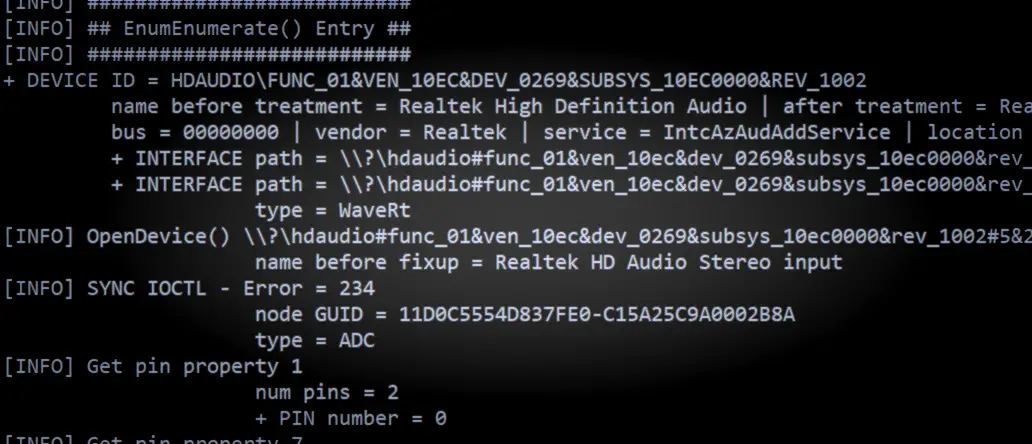
- Download the .exe
- Open a command prompt and run “a4ainfo.exe” (ideally from where you downloaded it or some other directory location actually containing the .exe)
- A plain text file “a4ainfo.dbg” will be generated – send this to feedback@asio4all.com – along with a detailed error description!
The A4A Info device enumeration utility has been updated somewhat. Usage is as always:
Important!
This is not a new version of the ASIO4ALL driver! This does not install anything. The only thing it does ist create a plain text file containing information about your audio devices. There also is very little utility in sending me just the file without some sort of a useful error description!
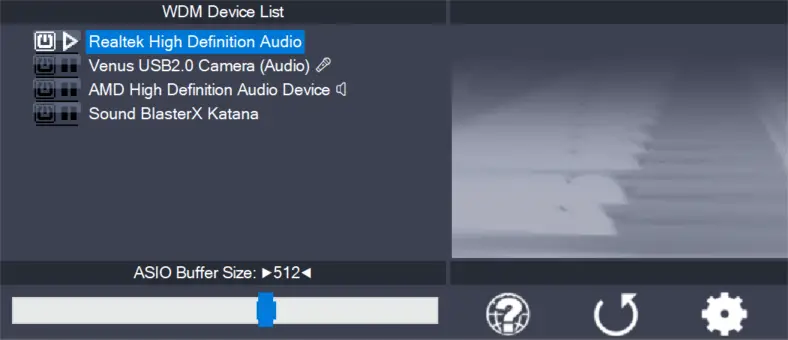
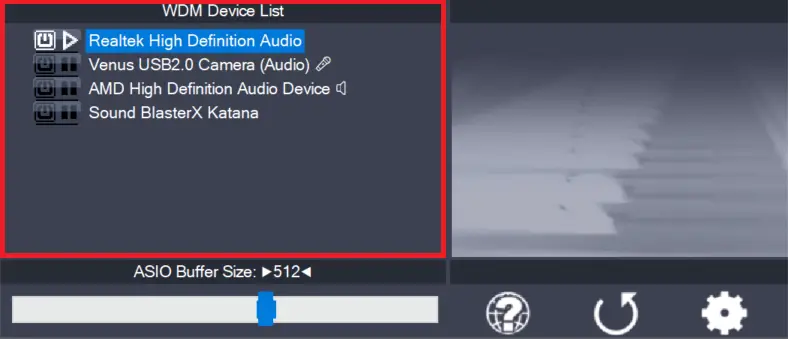
E.g. What exactly does not work, what do you see in the

Comments
One response to “a4ainfo.exe”
Please note that the a4ainfo.exe utility is no longer supported.
This post is only kept for archiving purposes.
Link to current debug build: /debug-build-with-trace-output/